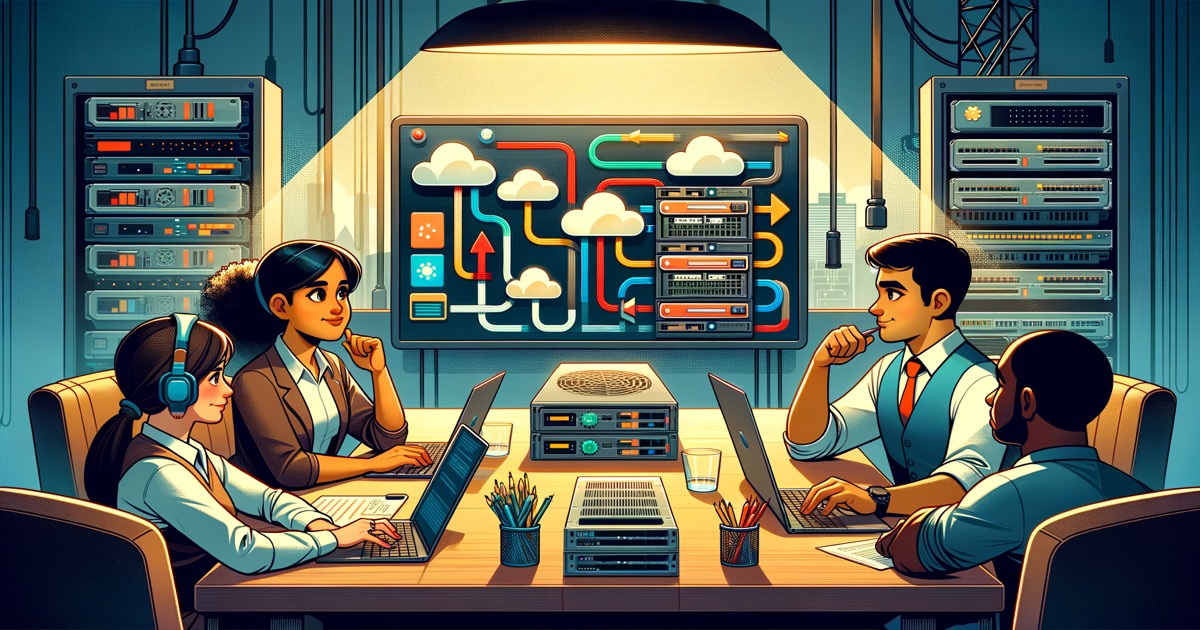
You've got Airflow running. Your team knows it. The DAGs work. So why are you suddenly hearing "we need real-time" — and what do you actually do about it?
The ask that won't go away
It comes from the business side first. Usually via Slack: "Can we get that dashboard updated more than once a day?" Then from product: "The fraud team wants to know about issues within seconds, not hours." Then from your CTO in the next planning meeting: "Why are we still running batch when our competitors are doing real-time?"
You're the Airflow person. You've built a solid batch operation. Your DAGs run on schedule. Your team can debug them. You've got the runbooks. And now everyone's asking you to become a streaming engineer overnight.
This guide is for that moment. Not the pitch for why real-time matters — you've probably already accepted that. This is about what you actually do with your existing Airflow setup when the real-time ask arrives.
Where Airflow hits its ceiling
Airflow is a workflow orchestrator. It runs tasks on schedules or triggers. That's extremely useful — and the right tool for a lot of them. But there are genuine use cases where it starts to show limits.
Latency is the obvious one. If your shortest schedule is 15 minutes, everything downstream waits 15 minutes minimum. For some workflows — daily reports, bulk API syncs, ML training pipelines — that's perfectly fine. For others — fraud alerts, inventory updates, user notifications — 15 minutes is an eternity.
High-frequency triggers get expensive. Scheduling a task every few seconds falls apart when you need to react to thousands of events per second. You end up with sensor tasks polling for conditions, which is not what Airflow was designed for.
State between events is awkward. Airflow tasks are stateless and short-lived. If you need to maintain state across millions of individual events — tracking session windows, building real-time aggregations, handling out-of-order arrivals — you're fighting the paradigm.
None of this is a criticism of Airflow. It's about knowing when to reach for a different tool.
The four realistic options
When teams ask "should we move to streaming?", the real question is usually "what's the lowest-cost path to real-time capability?" Here are the four paths teams actually take:
1. Keep everything in Airflow, but schedule more frequently. For some teams, running DAGs every 5 minutes is enough. If "real-time" means "within a few minutes," cron-level scheduling can get you there without adding any new infrastructure. Don't assume you need Kafka to react faster — check if your current tool can already do it.
2. Add a streaming layer alongside Airflow. This is the most common path for mature teams. You keep Airflow for batch workflows, complex dependency trees, and anything with human-in-the-loop steps. You add a streaming platform for event-driven, low-latency workloads. They coexist.
3. Migrate specific pipelines entirely to streaming. Sometimes a workflow that runs in Airflow shouldn't be in Airflow at all — it was just the only tool available when it was built. For high-volume, event-driven pipelines, a full migration to streaming infrastructure makes sense.
4. Replace Airflow entirely. Rarely the right call, but it happens when an organization is committing fully to an event-driven architecture and wants one system handling everything. The migration cost is high and the risk is real.
Most teams end up doing option 2 or 3 for specific pipelines. That's the practical reality.
How to assess what you actually have
Before you plan anything, map the actual workload. Not in theory — in practice.
Find the latency-sensitive pipelines. Which DAGs feed downstream systems that customers or users directly interact with? Which ones serve data that changes business outcomes if it's 5 minutes old versus 5 seconds? Start there.
Count the handoffs. Look at pipelines where data moves through multiple DAGs in sequence. Each handoff adds latency and failure surface. Streaming can often collapse multiple batch steps into one continuous flow.
Talk to the consumers. Not the engineering leads — the actual business users. Ask them what "real-time" means to them. You'll often find that "real-time" to the business is "within an hour" to them, and that changes the priority entirely.
Assess your operational capacity. Streaming introduces different failure modes: consumer lag, partition skew, broker disk usage. If your team is already at capacity maintaining batch pipelines, adding streaming without headroom will create problems.
A migration that doesn't break everything
The worst way to migrate is to treat it as a rewrite. Rip out the DAG, build the streaming version, hope it works in production.
The practical path is incremental.
Step 1: Shadow mode. Pick one batch pipeline with real latency sensitivity. Build the streaming version alongside it. Route the streaming output to a test or staging consumer, not production. Let them run in parallel for at least one full cycle.
Step 2: Validate. Does the streaming pipeline produce the same results as the batch version? For aggregations, this means comparing numbers. For event routing, this means verifying that every expected event reached the expected destination. Don't skip this step.
Step 3: Dual-write period. Point a non-critical production consumer at the streaming output while keeping the batch output as the primary source. Monitor error rates, latency distributions, and consumer lag. Fix what breaks.
Step 4: Switch over. After a successful dual-write period, make the streaming output primary. Keep the batch pipeline running in standby for a defined period — a week, two weeks — before decommissioning.
Step 5: Repeat. Apply the lessons. Each migration is faster than the last.
The hybrid period isn't optional — it's how you maintain confidence in the data while you're validating the new system.

What about the Airflow DAGs you've already built?
This is the question nobody answers well. The reality: your existing DAGs represent accumulated knowledge about your data and workflows. Don't throw that away.
Some DAGs should migrate to streaming. Others should stay batch — because the workflow is genuinely batch-oriented, the latency requirement is real but manageable at hourly intervals, or the transformation logic is complex enough that rebuilding it isn't worth the engineering cost.
A useful heuristic: if the pipeline exists primarily to move data from A to B on a schedule, it might be a streaming candidate. If it exists to orchestrate multi-step transformations with conditional logic and human approval gates, Airflow is probably still the right home.
The goal isn't to replace Airflow. It's to add streaming where it earns its keep — and let each tool do what it's actually good at.
What good looks like when it's working
When the migration works, the business notices — not the infrastructure.
A fraud analyst who used to review flagged transactions six hours after they occurred is now reviewing them in under a minute. A product manager who checked the dashboard each morning for yesterday's numbers is now seeing updates as events happen. These are the outcomes worth optimizing for.
The infrastructure teams notice too, but in a different way: fewer emergency pages about batch job failures, more time on improvement work, observability dashboards that show exactly where data is flowing and where it's backing up.
Faster decisions. Less manual babysitting. More time building things that matter
Before you start
Get clear on a few things before you write the first line of streaming logic:
What's the actual cost of latency in your most important workflow? Not an assumption — actual numbers. If the fraud pipeline takes 6 hours instead of 6 seconds, what's the financial impact? That's your prioritization signal.
What's your rollback plan? If the streaming pipeline breaks at 2 AM, what happens? Automatic fallback to batch? Manual intervention? PagerDuty escalation? Define this before you launch, not after.
What's the team's learning curve? You'll need to learn new concepts: consumer groups, partition keys, offset management, watermark policies. Make sure your team has time allocated to understand these — not just implement them.
And if the honest answer is that your team doesn't have the bandwidth to operate a streaming system alongside existing Airflow pipelines right now — that's fine. Say so. Streaming urgency from the business is often lower than the business thinks, and overcommitting your team to a migration you can't support is worse than saying no.
The practical path forward
The teams that do this well share one trait: they don't try to boil the ocean.
They pick one high-value, latency-sensitive pipeline. They build it in streaming alongside the existing batch version. They validate rigorously. They cut over when they're confident. Then they do the next one.
Airflow stays. It handles what it's good at. Streaming gets added where the latency value is real and measurable. The result is an architecture that uses the right tool for each workload — not a big-bang migration that bets everything on a single weekend rewrite.
Start with one pipeline. Get it right. Learn what you don't know. Then scale from there.
If you're evaluating platforms for the streaming layer, layline.io offers a visual workflow designer that lets you prototype and deploy streaming pipelines without requiring distributed systems expertise. The Community Edition is free to try — no credit card required.